Get Started
If you prefer a visual interface or want to deploy standard HTTP functions without setting up a local agent environment, use the Buildfunctions Dashboard.1
Sign Up / Login
Head to https://www.buildfunctions.com/dashboard and sign in with GitHub or your email.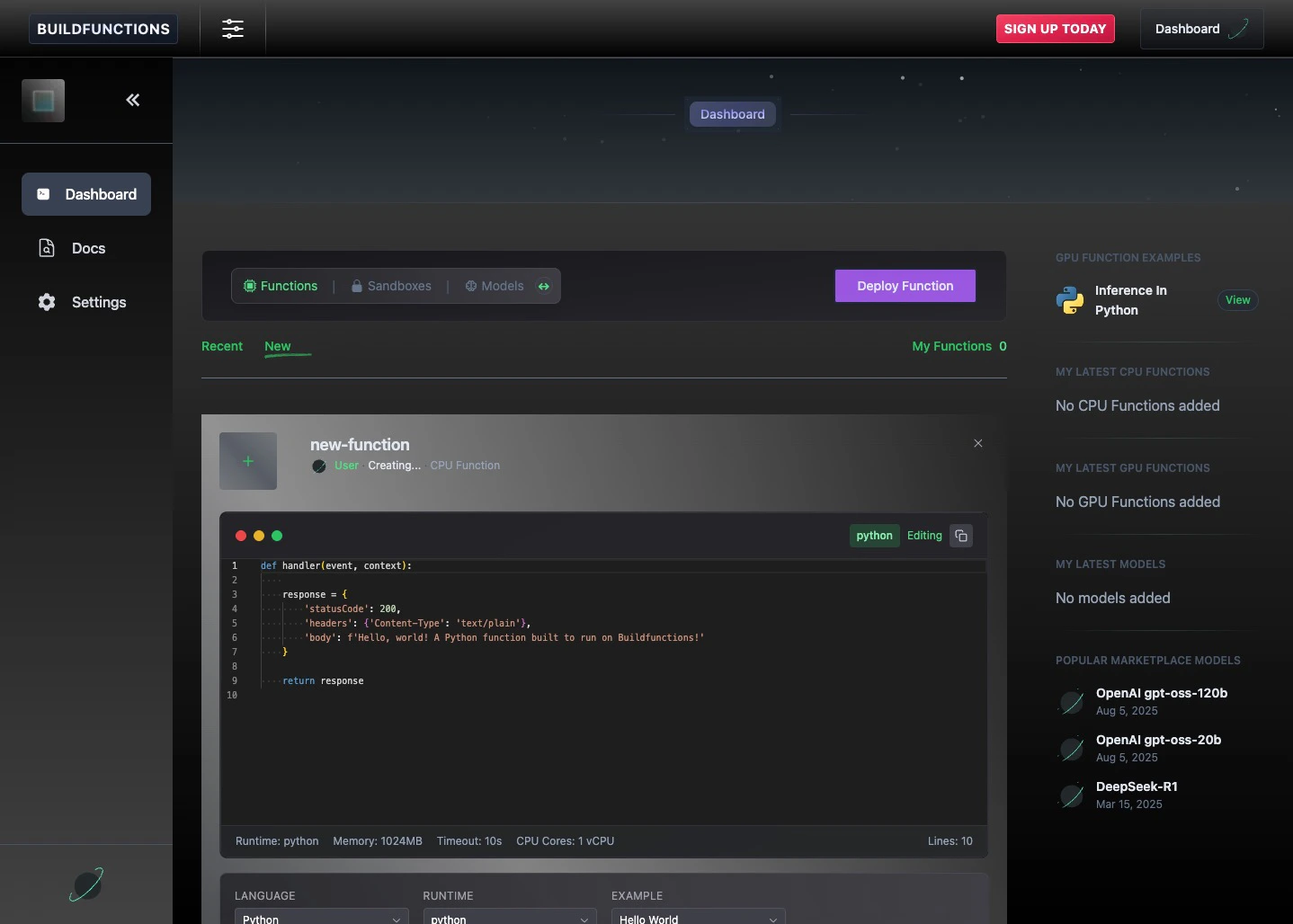
2
Create & Deploy
Navigate to the Functions section and click the New tab.Simply click Deploy Function to immediately deploy a standard “Hello World” handler. You can also write your own code directly in the browser editor and deploy it.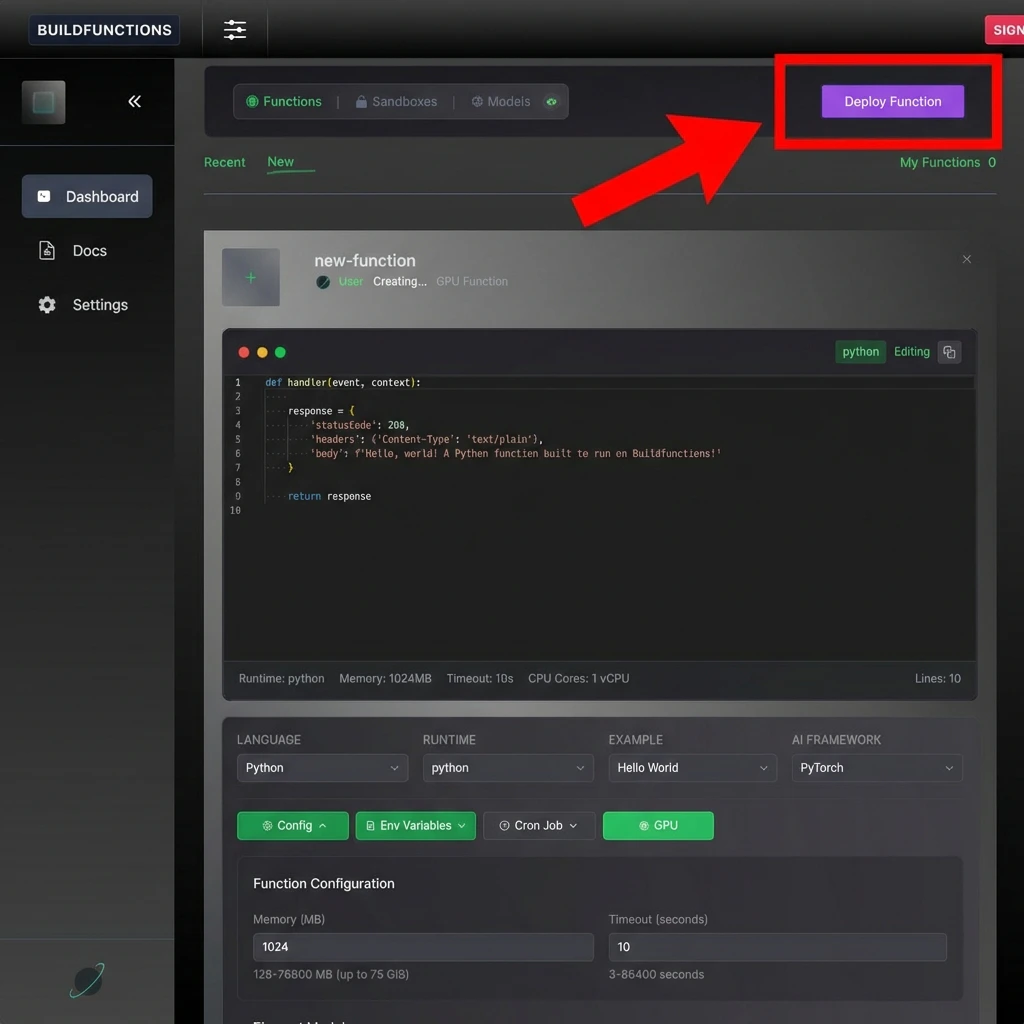
Advanced: GPU Functions
Advanced: GPU Functions
To deploy a GPU function, select the GPU option when creating a function and use one of these templates:
Config: Runtime: Python, Memory: 10000 MB, vCPUs: 6, Timeout: 120 seconds, and
torch in requirements.txt1. Basic GPU Function
Verifies GPU access and returns device stats.2. Streaming Response
Simulates real-time AI generation.3
Test Your Endpoint
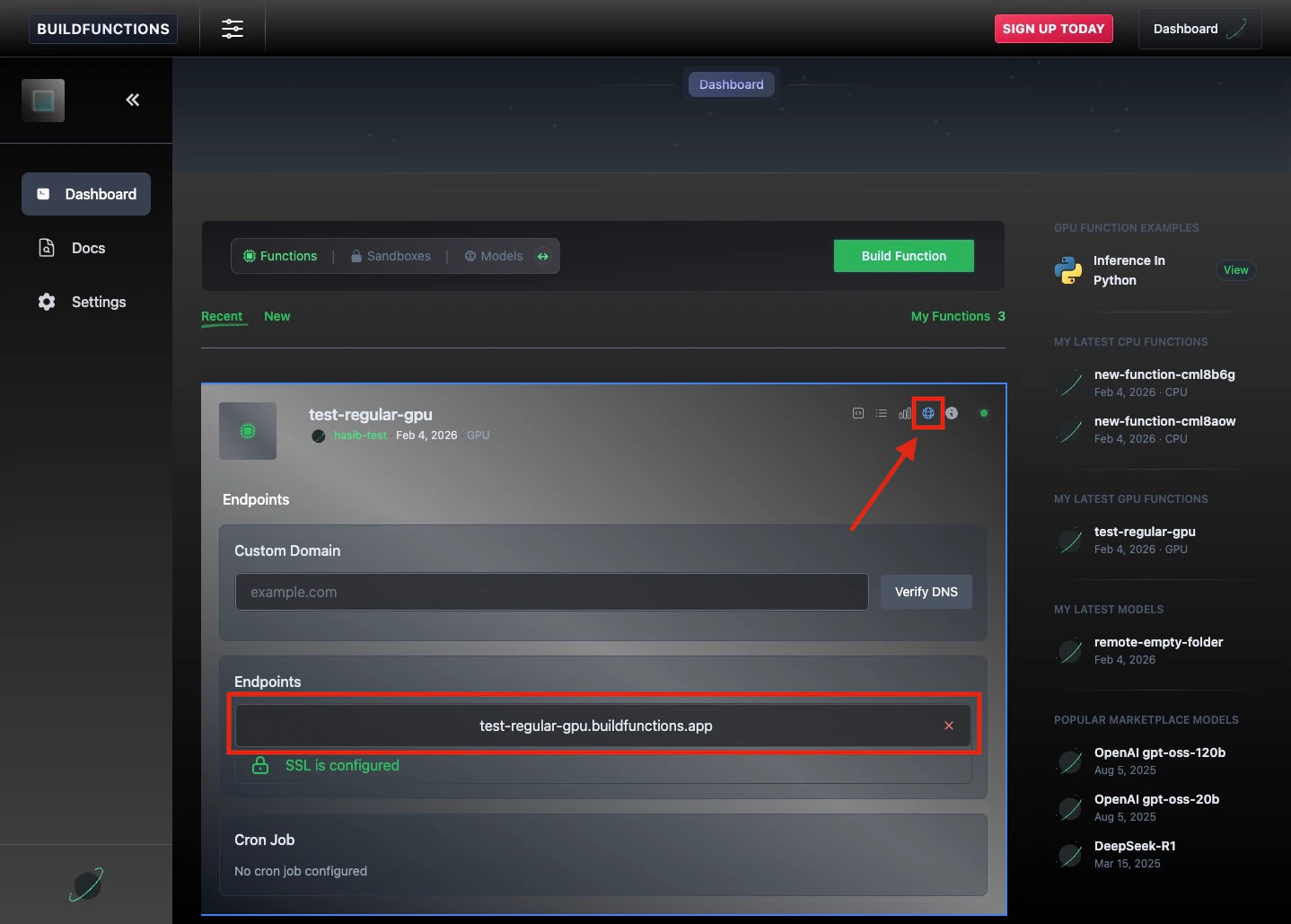
Once deployed, click on your function and navigate to the Network tab.Here you will see your active Test Endpoints. You can hit this endpoint with any HTTP client to trigger the function.